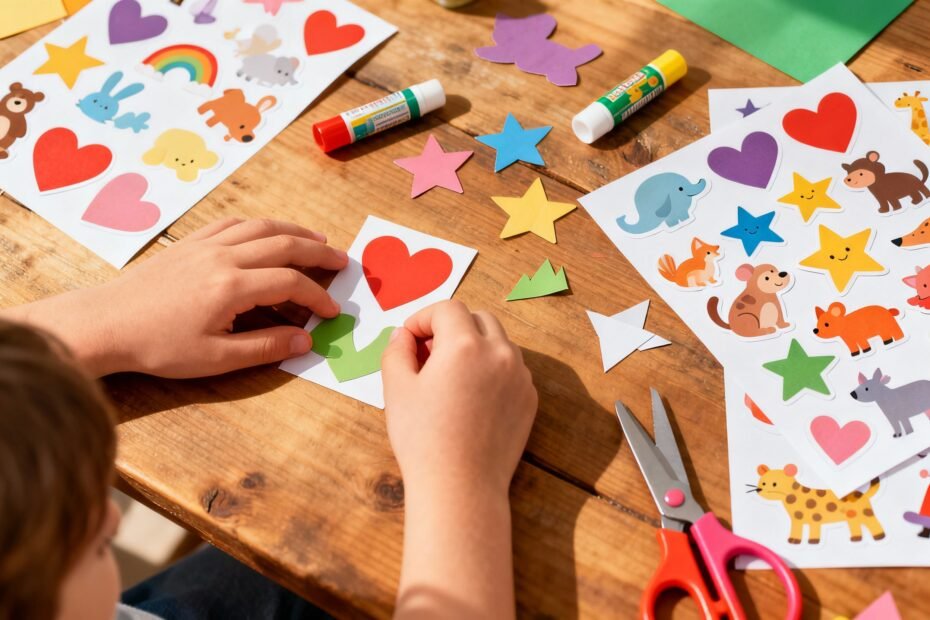
Kids love stickers. Parents love activities that don’t destroy the house (much). DIY sticker art using printable templates checks both boxes.
It’s creative, affordable, and wildly satisfying—like crafting without the chaos of glitter. Ready to turn your kitchen table into a mini sticker studio? Let’s do it.
Why DIY Sticker Art Wins Every Time
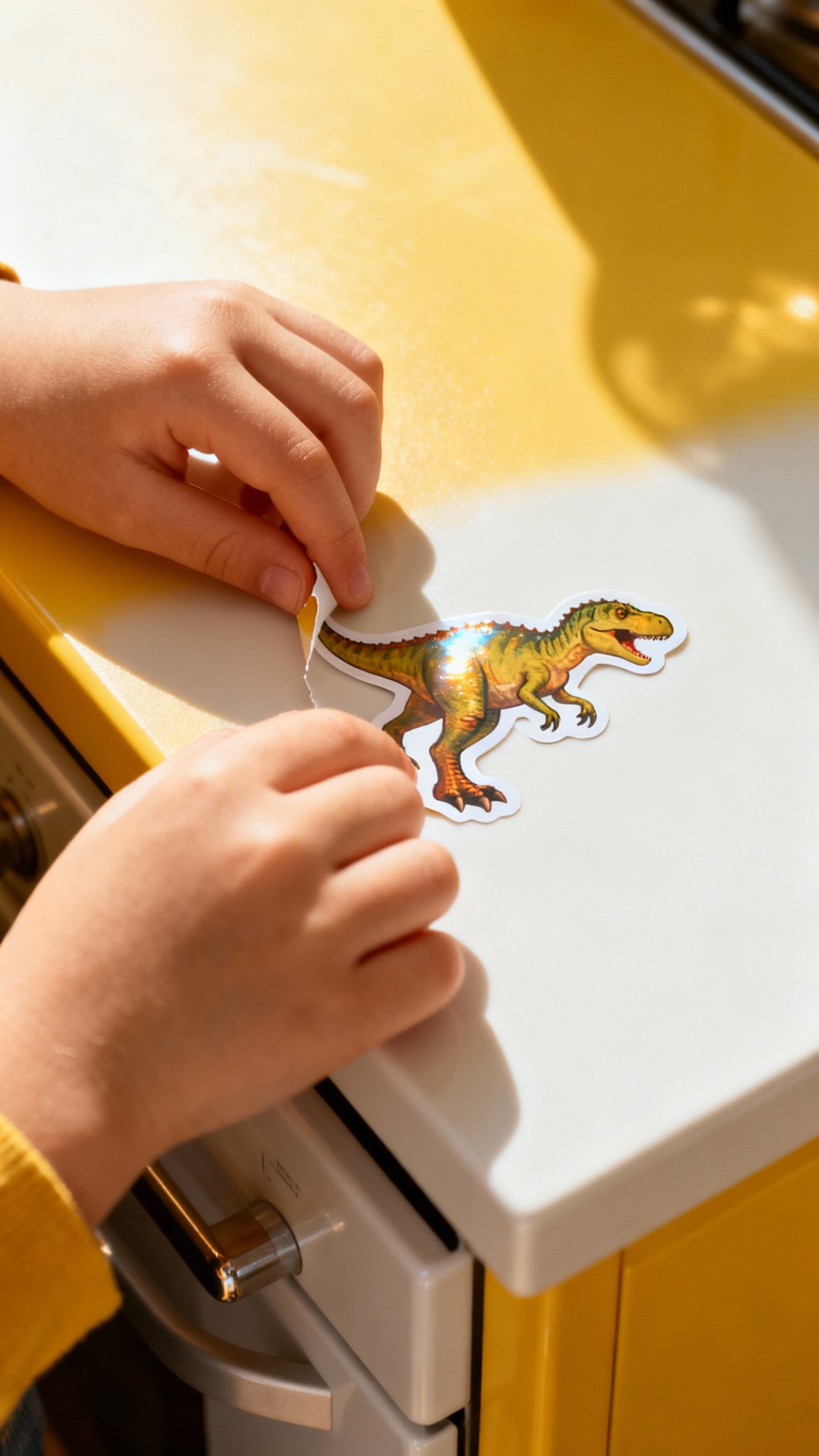
Stickers give instant gratification.
Kids design, print, peel, and stick—zero waiting for paint to dry. You get a project that feels big but doesn’t require a degree in fine arts.
Plus, you can tailor it to any interest: dinosaurs, space, pets, unicorns, snacks. If your kid obsesses over something, you can turn it into a sticker sheet.
FYI, you can even sneak in educational themes (alphabet, shapes, emotions) without anyone rolling their eyes.
And the mess? Minimal. You’ll clean up a few paper scraps and maybe some rogue sticker backing.
That’s it. Bliss.
What You Need (Without Overbuying)
Use what you already have, then add just a couple of things to upgrade the results. Keep it simple.
- Printer: Any basic inkjet or laser printer works.
Check your paper type—some sticker sheets only like inkjets.
- Sticker paper: Choose matte for coloring and writing, glossy for that pro look, or vinyl for water-resistant stickers (hello, water bottles).
- Printable templates: Free PDFs or PNGs work best. Search for themes your kid loves.
- Cutting tools: Scissors for kids. Craft knife and cutting mat for adults who like clean lines.
- Optional fancy stuff: A cutting machine (Cricut/Silhouette) and laminate sheets for extra durability.
IMO, not required for beginners.
Finding and Using Printable Templates
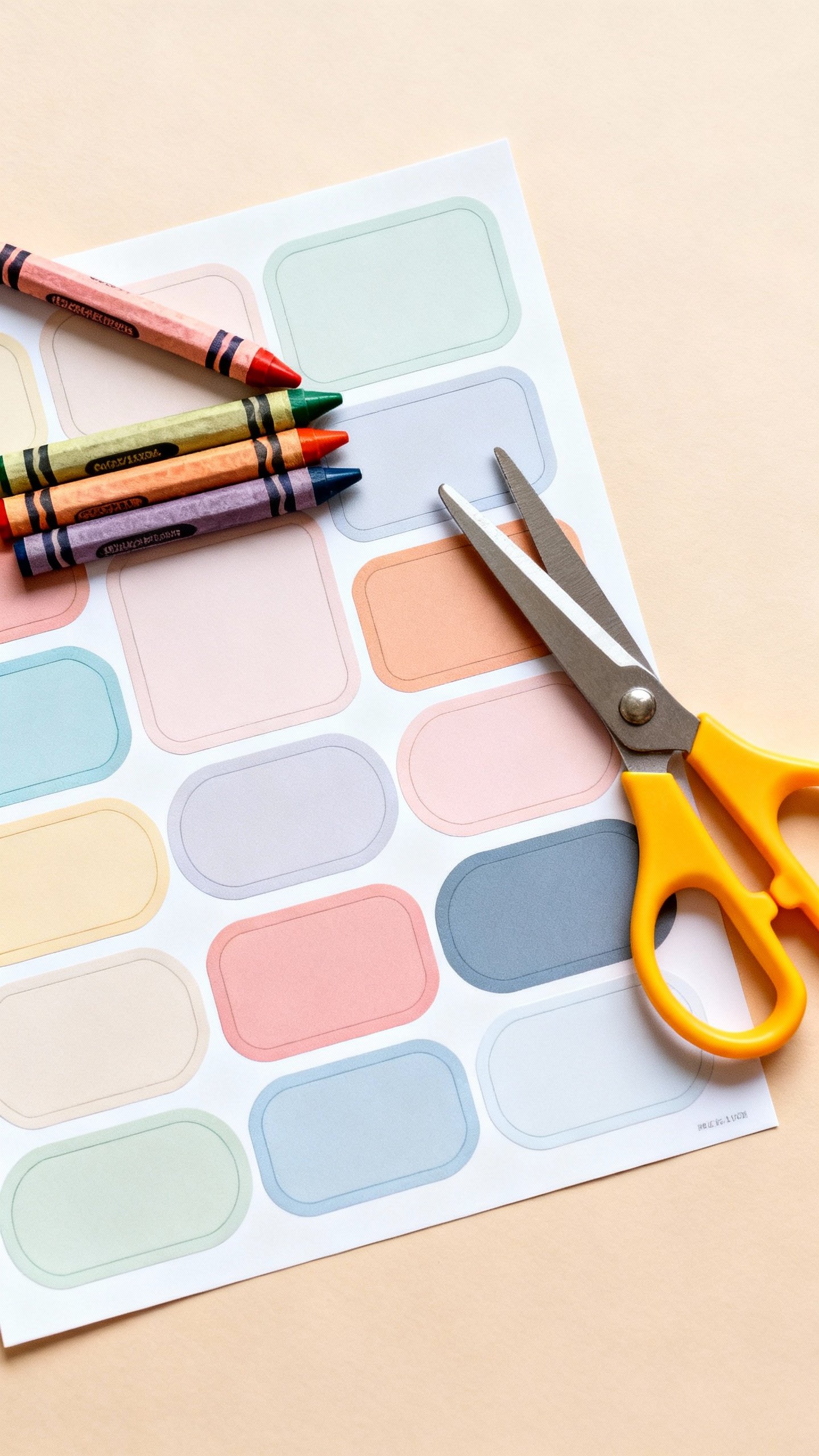
You can design your own, but let’s be honest—pre-made templates save time and sanity. They come in themed sheets or modular elements you can mix and match.
Where to Find Templates
- Kid-friendly blogs and craft sites: Many offer free printable sticker sheets. Look for clear outlines and bold shapes.
- Etsy: Budget-friendly packs with a variety of themes.
Great for last-minute party activities.
- Design tools (Canva, Google Slides): Use sticker element packs and arrange your own sheet. Print as a PDF for clean lines.
How to Size and Print
- Pick the right template size: Standard 8.5×11 inches (US Letter) or A4. Match your paper.
- Check print settings: Set scale to 100% or “actual size.” Turn off “fit to page,” or your stickers might shrink weirdly.
- Select paper type: Choose “photo paper” or “glossy” if you use glossy sticker sheets for richer colors.
- Test print: Print on regular paper first.
Hold it over a sticker sheet to check margins. Saves both paper and frustration.
Designing Your Own Stickers (Kid-Friendly Workflow)
Want to go custom? Great.
It’s easier than it sounds, and kids love seeing their ideas turn into real stickers.
Simple Method: Print-and-Color
- Find or draw black-and-white line art (animals, food, emojis, simple scenes).
- Print on matte sticker paper.
- Let kids color with crayons, markers, or colored pencils.
- Cut and peel. Done. Zero digital skills needed.
Color-Then-Print Method
- Open a template in Canva/Google Slides.
- Add color fills, patterns, or text (“Liam’s Lunch Squad”).
- Save as PDF for crisp edges and print on glossy paper for that store-bought shine.
Pro-Tip: Kiss-Cut Illusion
No cutting machine?
Create a “kiss-cut” vibe by drawing light dotted lines around each sticker before cutting with scissors. It looks intentional, and yes, slightly fancy.

Kid-Friendly Themes That Always Hit
Not sure where to start? Pick a theme your kid already loves and build a set around it.
Easy win.
- Pet Vet Pack: Dogs, bandages, food bowls, paw prints. Great for pretend play.
- Ocean Explorer: Sharks, turtles, submarines, bubbles, coral.
- Feelings Faces: Emoji-style emotions for social-emotional learning.
- Snack Attack: Kawaii fruit, pizza slices, boba cups. Cute overload.
- Alphabet + Animals: A-Z with matching animals.
It’s educational, but still fun—promise.
- Chore Chart Stickers: Stars, badges, checkmarks. Bribery? No. “Motivation.”
Cutting, Peeling, and Sticking Without Tears
You don’t need perfection.
You just need stickers that peel without ripping and corners that don’t curl.
Cutting Tips
- Use big, simple shapes for younger kids. Save intricate designs for you.
- Cut into smaller rectangles first, then trim details. Fewer paper gymnastics.
- Round the corners to prevent peeling edges.
Looks polished, too.
Peeling Hacks
- Use a craft knife to gently lift a corner of the backing if it sticks.
- For full sheets, score light outlines on the backing (don’t cut through the sticker) to create easy peel sections. DIY kiss-cuts, basically.
Make Them Last: Laminate or Not?
Short answer: laminate if the stickers go on water bottles or lunch boxes. Skip it for notebooks and art projects.
- Cold laminating sheets: Stick them on after printing.
Then cut. Adds water resistance and durability.
- Clear packing tape: Budget lamination. Place strips over the design, overlap slightly, then cut.
- Vinyl sticker paper: Already water-resistant.
No extra step needed.
Project Ideas That Don’t End in Clutter
Use stickers to decorate useful stuff so you don’t bury your house in paper creations. You’re welcome.
- Notebook covers: Personalize school supplies and journals.
- Reward trackers: Use stars and badges on weekly charts. Instant gratification works.
- Postal fun: Decorate envelopes for grandparents or pen pals.
- Laptop and water bottle skins: Use vinyl or laminated stickers.
Let kids curate their “brand.”
- Story scenes: Print background pages (forest, city, ocean) and create reusable storyboards with stickers.
Common Mistakes (and How to Dodge Them)
- Printing too dark: Brighten your file slightly. Dark prints look muddy on matte paper.
- Bleeding ink: Let the sheet dry for a couple of minutes before cutting, especially with glossy paper.
- Weird scaling: Always print at 100%. “Fit to page” = stretched or squished stickers.
- Paper jams: Load one sticker sheet at a time. Select the correct paper type in printer settings.
FAQ
What kind of printer works best for sticker paper?
Both inkjet and laser work, but match the paper to your printer type.
Some sticker sheets say “inkjet only” because laser heat can mess them up. If you want bold, saturated colors, inkjets usually win.
How do I stop stickers from fading or smearing?
Use high-quality ink, let prints dry a few minutes, and add a clear laminate layer for protection. For water bottles, choose vinyl sticker paper or laminate over regular paper.
No more smudged dolphins.
Can kids cut the stickers themselves?
Yes—use big shapes and kid-safe scissors. Pre-trim sheets into smaller sections so little hands don’t wrestle giant pages. Adults can handle detailed cuts if needed.
Do I need a cutting machine to make “real” stickers?
Nope.
Scissors and a steady hand work fine. A craft knife helps for intricate designs, but machines are optional. IMO, start simple and upgrade later if you love it.
Where do I store extra stickers?
Use a small accordion folder, photo album sleeves, or a labeled zip pouch.
Keep them flat and away from heat or sunlight to prevent curling or fading.
Is glossy or matte better?
Depends on the vibe. Matte feels smooth and easy to write on. Glossy pops with color and looks more “store-bought.” For durability, go with vinyl or laminated glossy.
Final Thoughts
DIY sticker art with printable templates keeps kids busy, creative, and happy—without turning your house into an art supply explosion.
Start with a theme your kid loves, print a sheet, and watch the magic happen. FYI, you might get hooked and start labeling everything in sight. No judgment.
Stick away.
Explore More on FreeKidsHub
Jump into your favorite category for easy printables, fun activities, and family-friendly ideas — all in one place.
Tip: Add this block to the end of every post for stronger internal links ✨